Activity and audit trail
Every tool call this account made, what was sent, what came back, and how long it is kept.
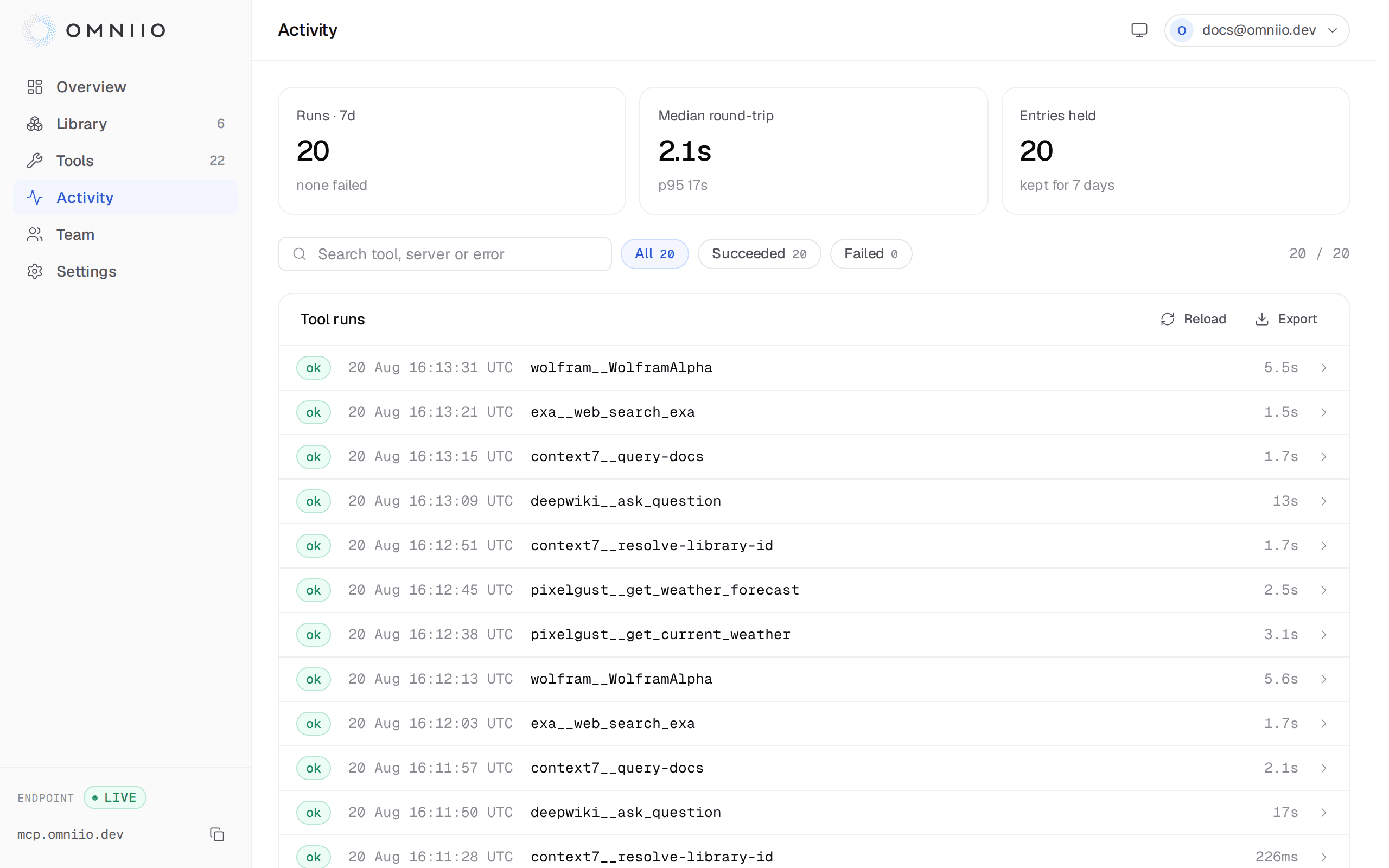
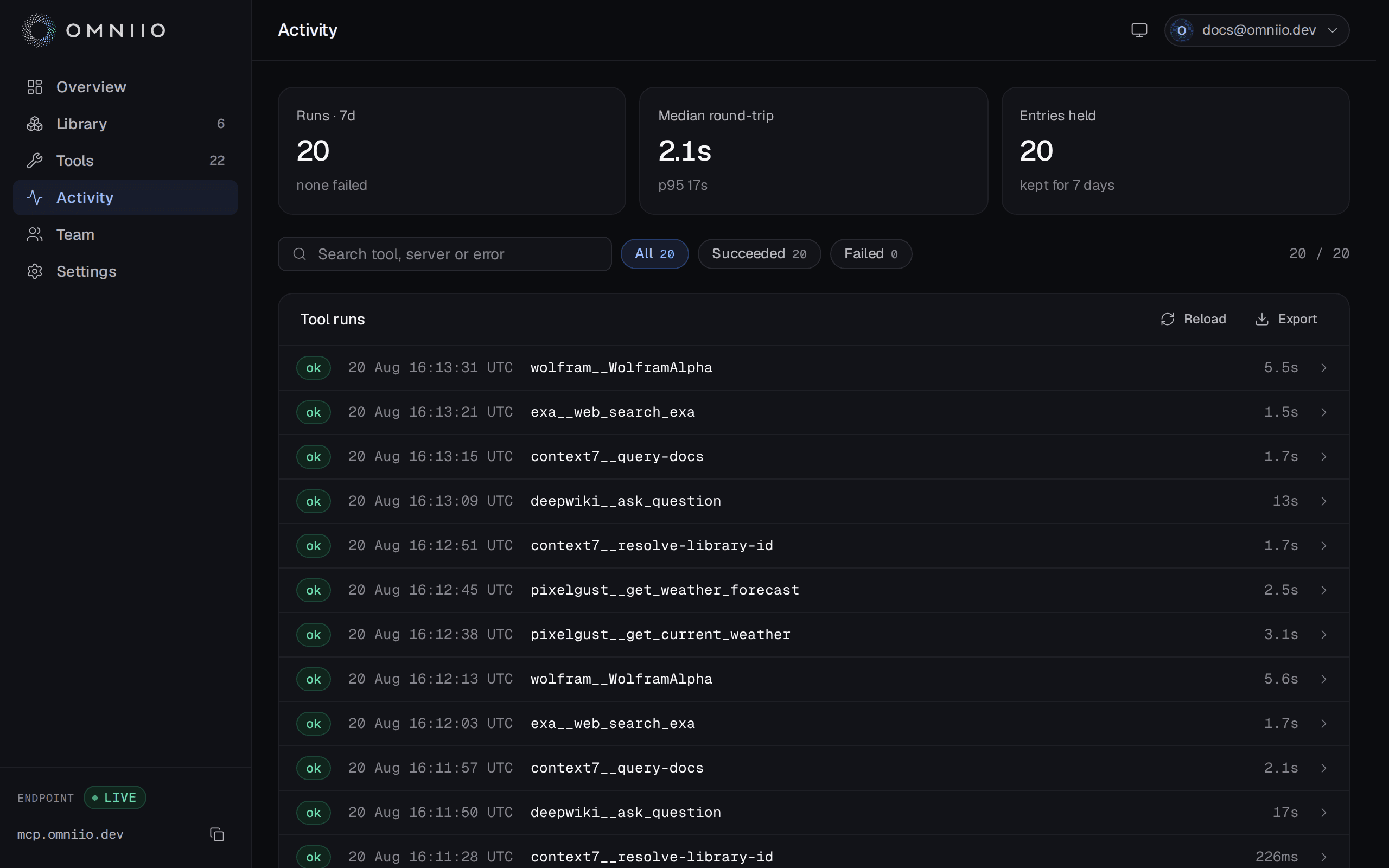
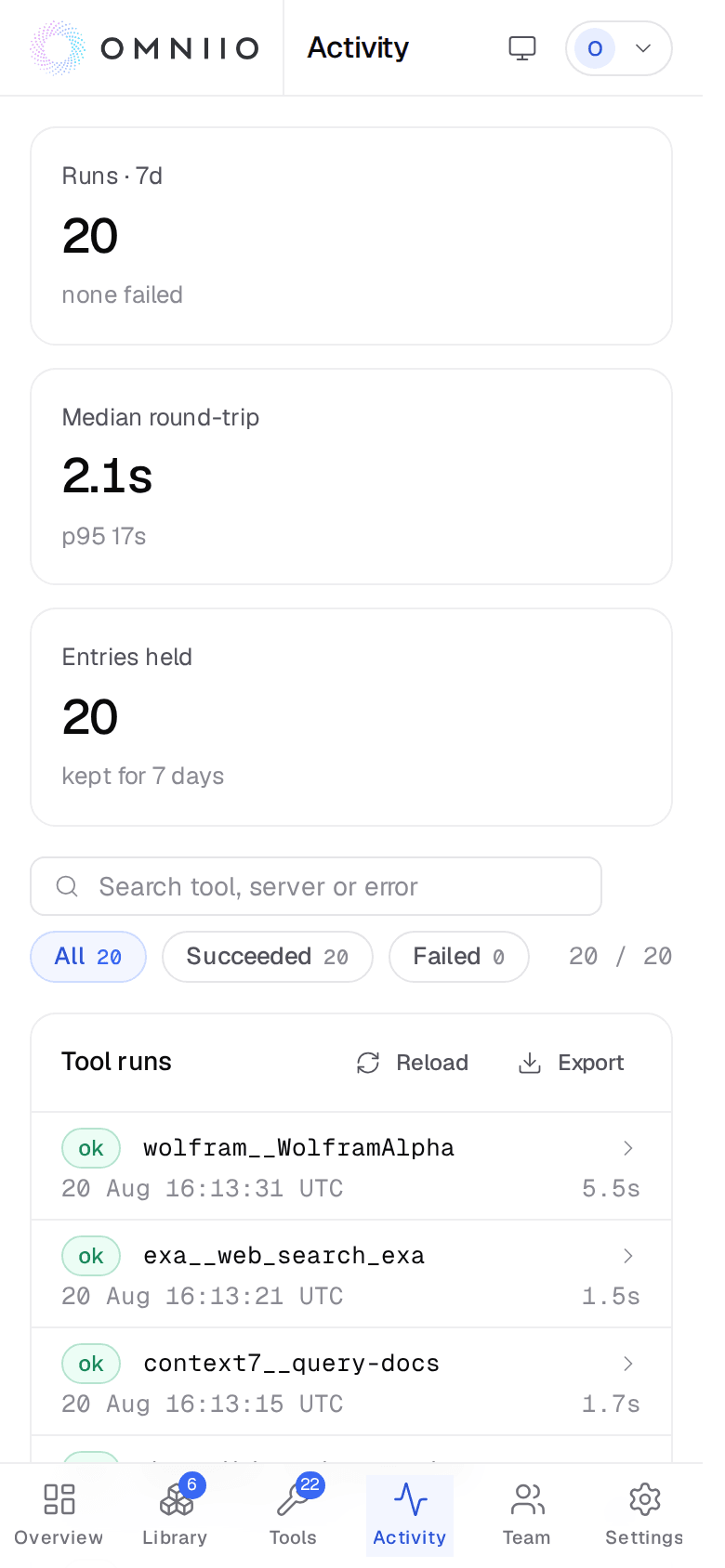
Activity is the retained record of upstream tool executions: what ran, which client asked, the arguments sent, the result or refusal, and the round-trip time.
What gets a row#
Every run_tool execution does, including calls refused by a Denied policy,
denied or expired approval, missing connection, quota, or an upstream error. A
successful row stores the upstream result; a failed row stores the error instead.
search_tools and describe_tool do not appear here. They count toward monthly
usage, but they read Omniio's cached catalogue rather than executing an upstream
tool. That is why Activity says runs while billing says calls.
- Identity
- Qualified tool, server and the connected MCP client that made the call. Older rows written before client attribution say unattributed rather than guessing.
- Outcome
- Succeeded or failed, the failure message where there is one, and the complete gateway-to-upstream round-trip in milliseconds.
- Payload
- Stored arguments and, for a success, the stored result. Each field is redacted and capped independently before it reaches the database.
- Safety findings
- The kinds of secret or personal value removed, and prompt-injection patterns found in the upstream result.
Redaction and payload limits#
Before storage, Omniio removes recognised private keys, signed tokens, vendor
API-key shapes, bearer tokens, validated card and IBAN numbers, formatted
national IDs, email addresses and phone numbers. The row keeps the kind of value
removed and replaces its contents with a readable marker such as
[redacted:email].
Arguments and results are each capped at 64 KB after redaction. A truncated field ends with the original byte count and the number retained, so a shortened result cannot be mistaken for the complete one.
Prompt-injection findings#
Omniio scans up to the first 512 KB of the real upstream result for text aimed at the agent: attempts to override instructions, fake chat roles, request secrets, hide an action or exfiltrate data, among other patterns.
A finding does not discard legitimate content. Omniio prepends a warning for the agent, returns the complete result, and marks the activity row so a person can inspect what matched. Detection is an annotation, not a claim that every match was malicious.
Search, filters and export#
The page loads the newest 200 rows inside the account's retention window. Search matches tool, server, client or error, and the outcome chips narrow the result to succeeded or failed calls. Scoping Activity from a connection keeps the client filter in the URL.
Export downloads exactly the filtered rows currently shown as JSON, including arguments, result, error, redaction kinds and injection findings. For a cursor-paginated integration over the whole retained window, use the REST activity endpoint.
Retention#
Retention follows the billing account's current plan:
| Plan | Activity retained |
|---|---|
| Free | 7 days |
| Pro | 30 days |
| Scale | 3 months |
| Business | 6 months |
| Enterprise | 1 year |
The page applies the cutoff in its query, and a nightly job deletes older rows. If a row is waiting for that sweep, it is still hidden once it passes the published window.
Next: Usage, limits and billing.