Teams and roles
Inviting people, what each role may do, and what stays private to a member.
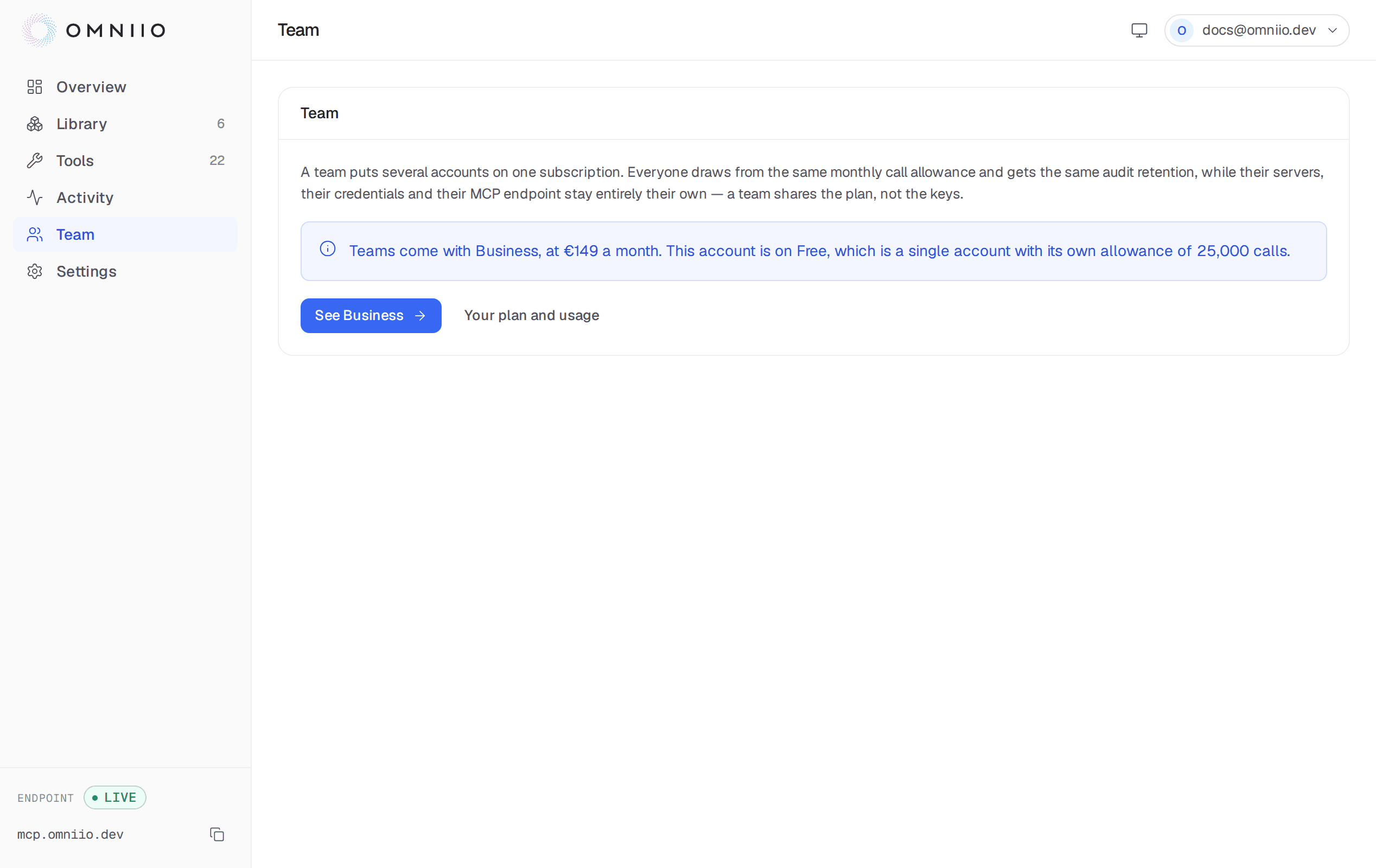
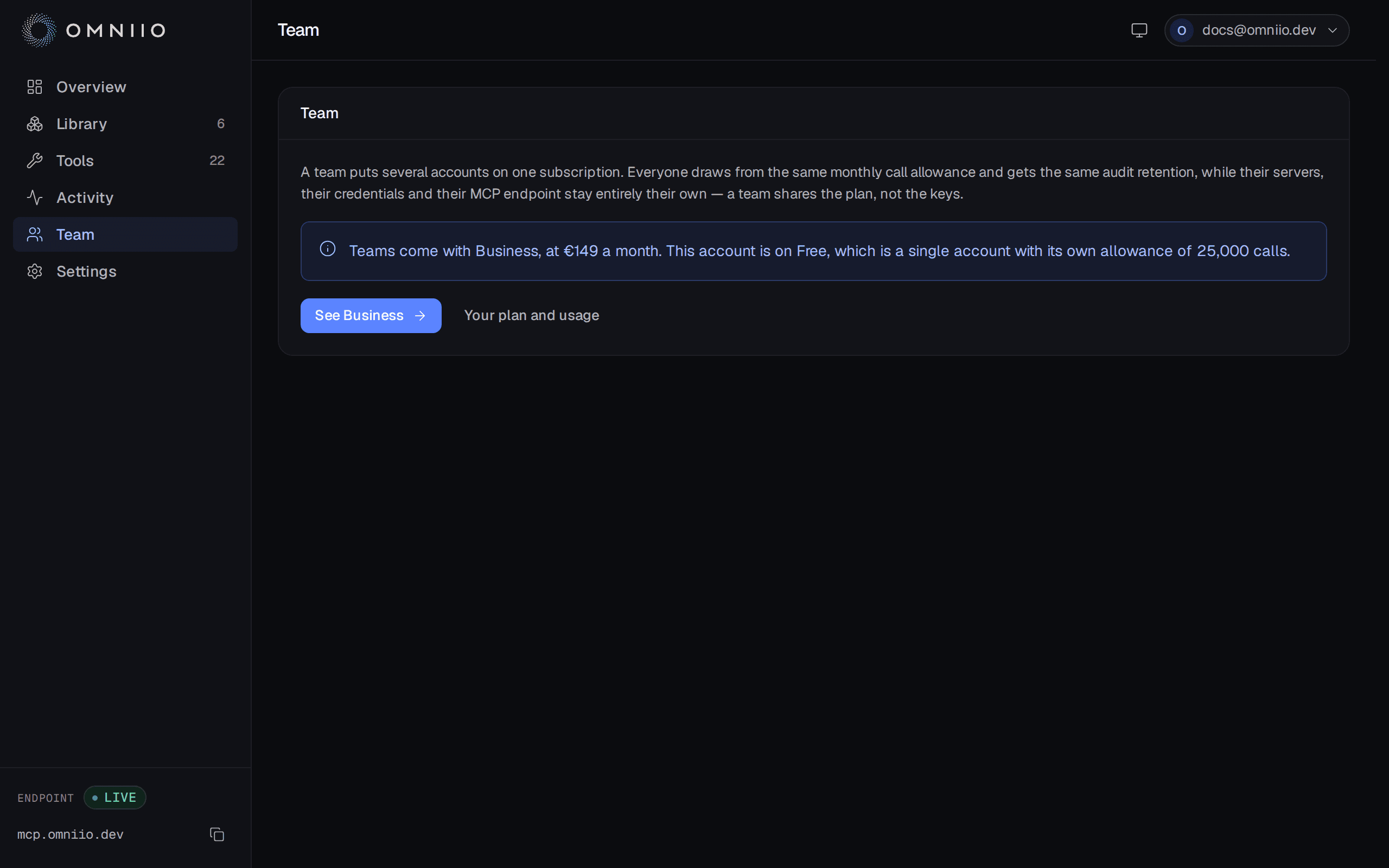
A team puts several Omniio accounts on one subscription. It pools the plan and its limits; it does not pool the accounts' connections or credentials.
What is shared#
Every member resolves to the owner's plan. Their MCP calls increment one monthly counter, share one burst ceiling and receive the same Activity retention window. The team page shows the pooled monthly usage and each member's tool runs over the last 30 days.
The following remain private to each member:
- enabled and custom servers;
- upstream OAuth grants and bearer tokens;
- connected MCP clients and the personal MCP endpoint behind them;
- tool policies, approvals and Activity rows.
Joining a team therefore does not expose an existing GitHub grant to colleagues or let one member's agent use another member's server. It changes who pays for their usage, not who owns their data.
Plans and capacity#
Teams are available on Business and Enterprise. Business holds up to 50 active people, owner included; Enterprise capacity is negotiated. A person deactivated through SCIM remains visible in the roster but cannot sign in and does not occupy a seat.
An account may belong to at most one team. Joining also requires its own paid subscription to be cancelled first, so the move cannot leave two subscriptions billing for one account.
Roles#
| Capability | Owner | Admin | Member |
|---|---|---|---|
| View roster, plan and personal usage | Yes | Yes | Yes |
| Invite and remove people | Yes | Yes | No |
| Change Member and Admin roles | Yes | Yes | No |
| Rename the team | Yes | Yes | No |
| Configure OIDC and SCIM | Yes | Yes | No |
| Manage the subscription | Yes | No | No |
| Transfer ownership or delete the team | Yes | No | No |
| Leave the team | Transfer or delete first | Yes | Yes |
An owner is not invited as a role. Ownership is transferred to an existing member with an explicit confirmation, and the previous owner becomes an admin.
Transferring the team changes which member's plan the team resolves to, but it does not move a Stripe subscription between people. The current owner must cancel their subscription after the new owner has arranged the intended plan.
Invitations#
Owners and admins can invite an address as a Member or Admin. The link lasts 14 days and its 32-byte token is stored only as a SHA-256 hash. Re-inviting the same address replaces the token, role and expiry, so the earlier link stops working.
The link is shown after creation even when the mail relay cannot send it. The team screen marks invites that were not emailed, and an admin can copy the link or withdraw the invitation.
Acceptance requires a signed-in account with the exact invited address, a free seat and no membership in another team. A used, expired or unknown token all resolve to the same unavailable state.
Removing, leaving and deleting#
Removing a member or leaving returns that account to Free. Its servers, credentials and Activity are untouched. The owner cannot be removed or leave; they must transfer ownership or delete the team.
Deleting a team returns every other member to Free but does not cancel the owner's subscription. Subscription cancellation is deliberately a separate billing decision.
Next: Single sign-on and SCIM.