Approvals
Holding a tool call until a person decides, and how the decision reaches the caller.
An Ask first policy pauses a tool call before it reaches the upstream server. The request shows up in Omniio with the server, tool and arguments a person needs to decide whether this one call should run.
What the approver sees#
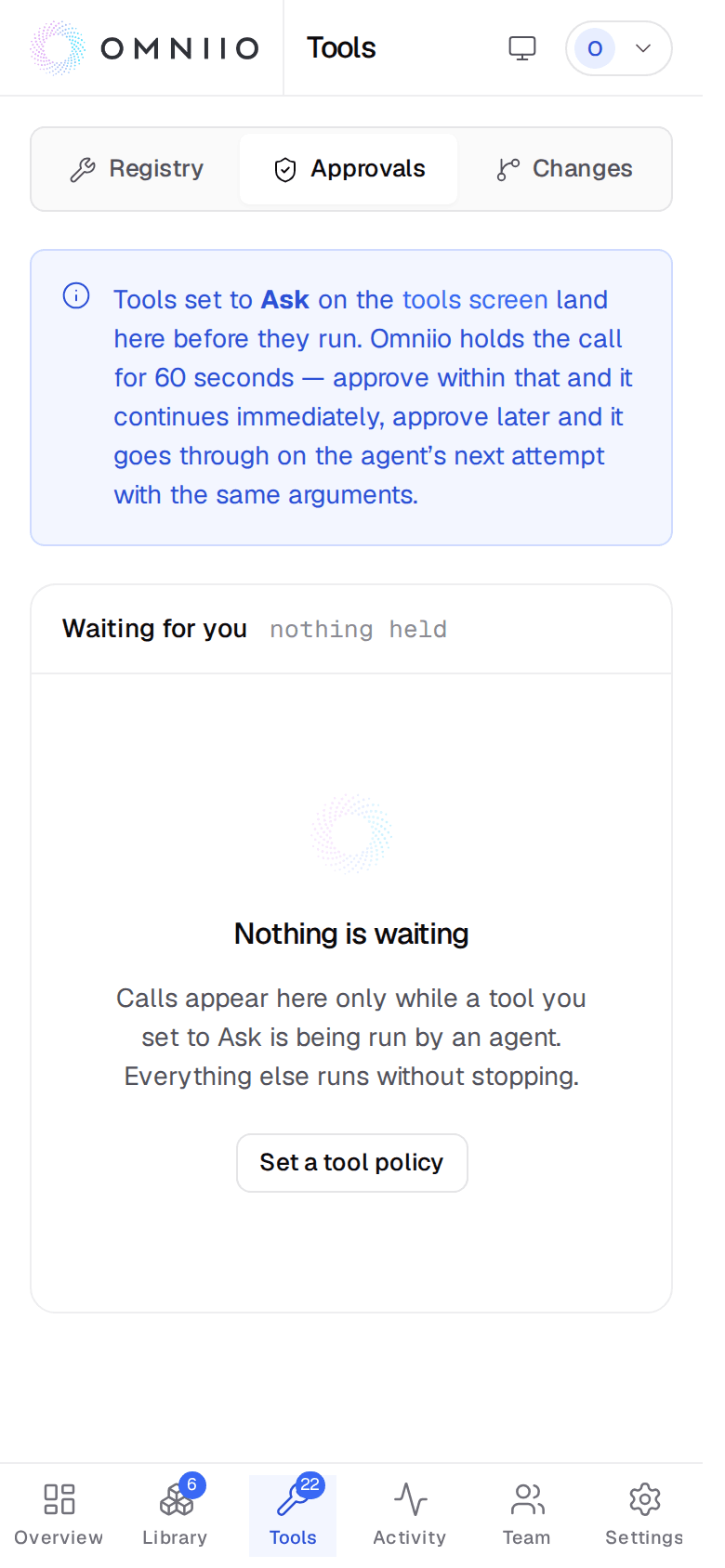
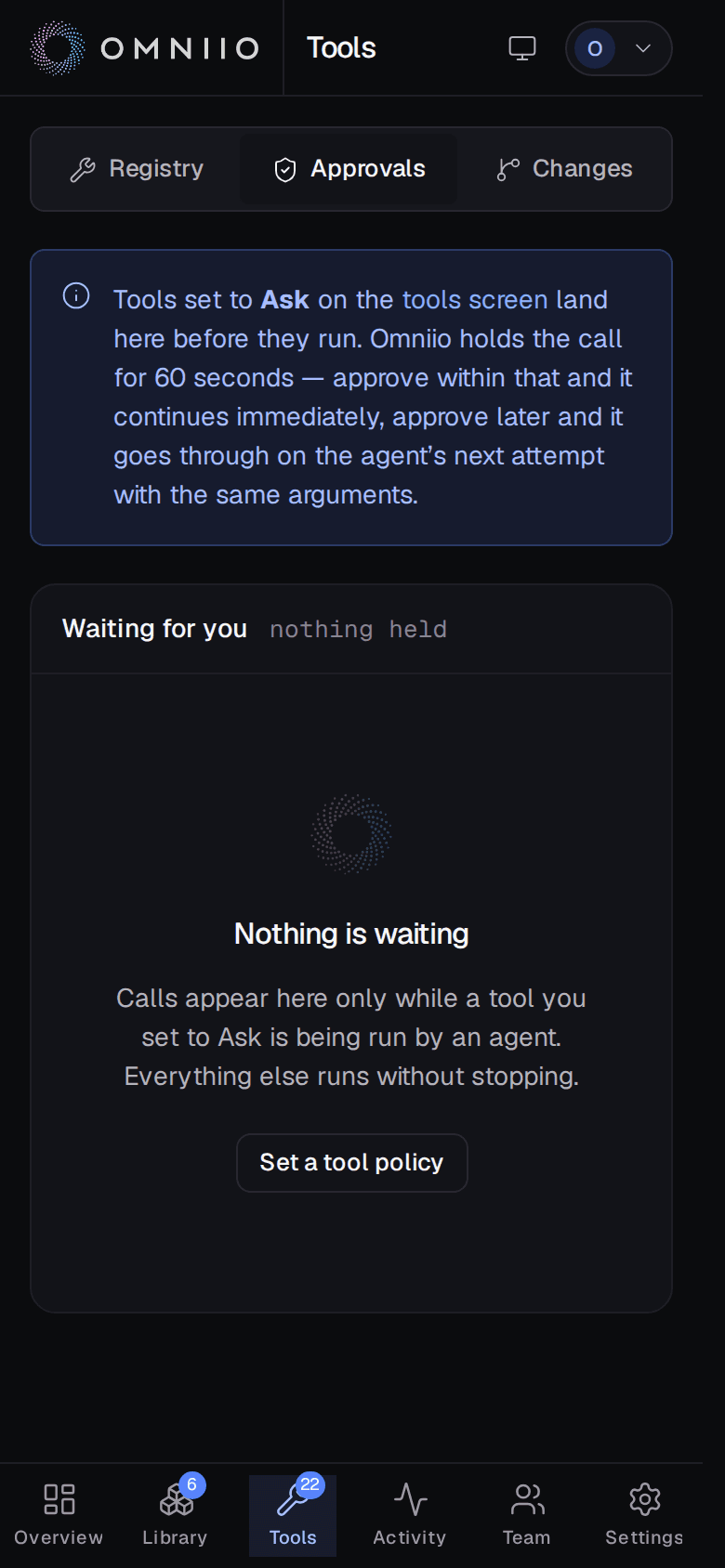
Open Approvals to see requests waiting for a decision and the recent decisions behind them. Each pending request names the qualified tool, its server, when it was asked, when it expires and the arguments the agent sent.
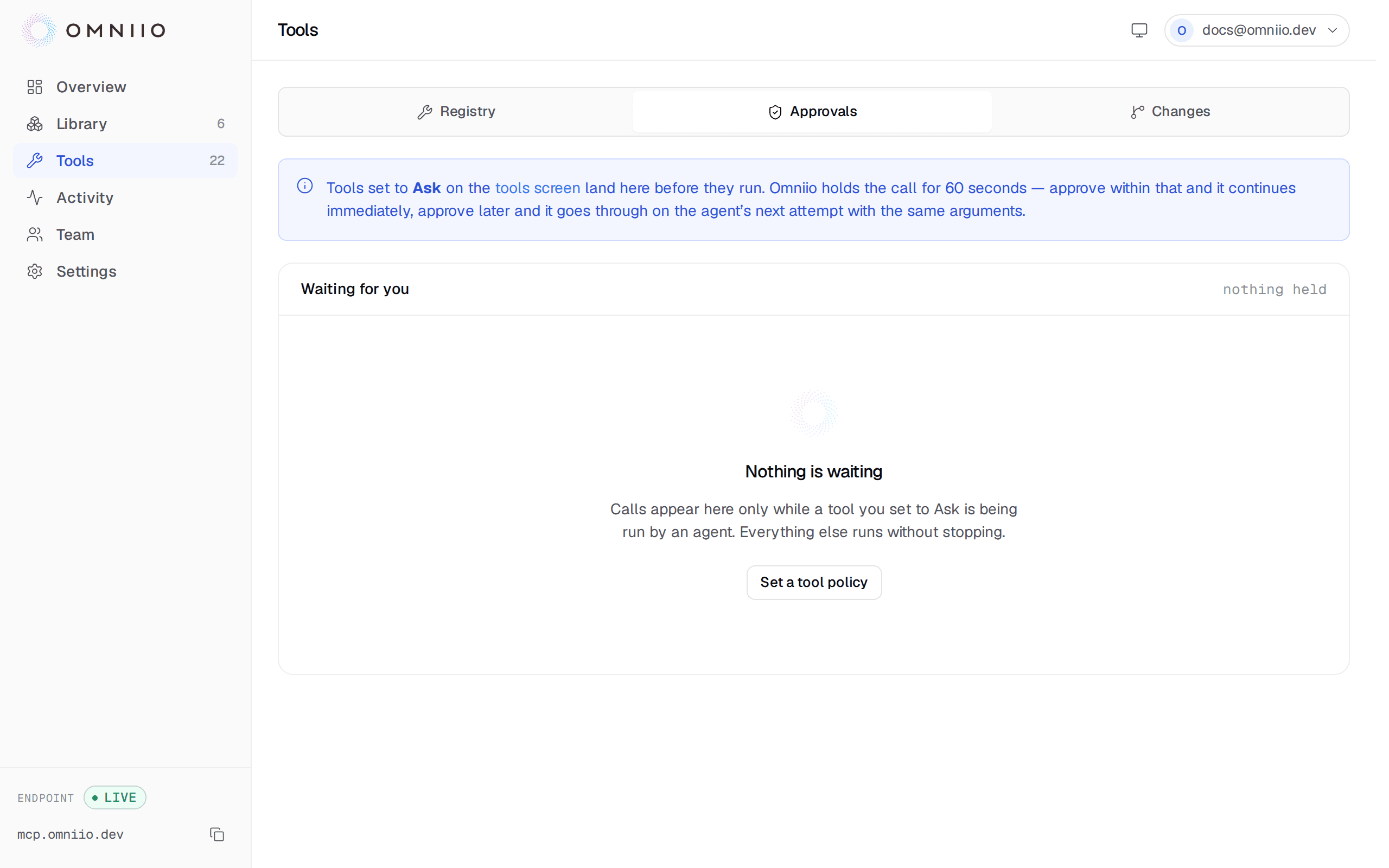
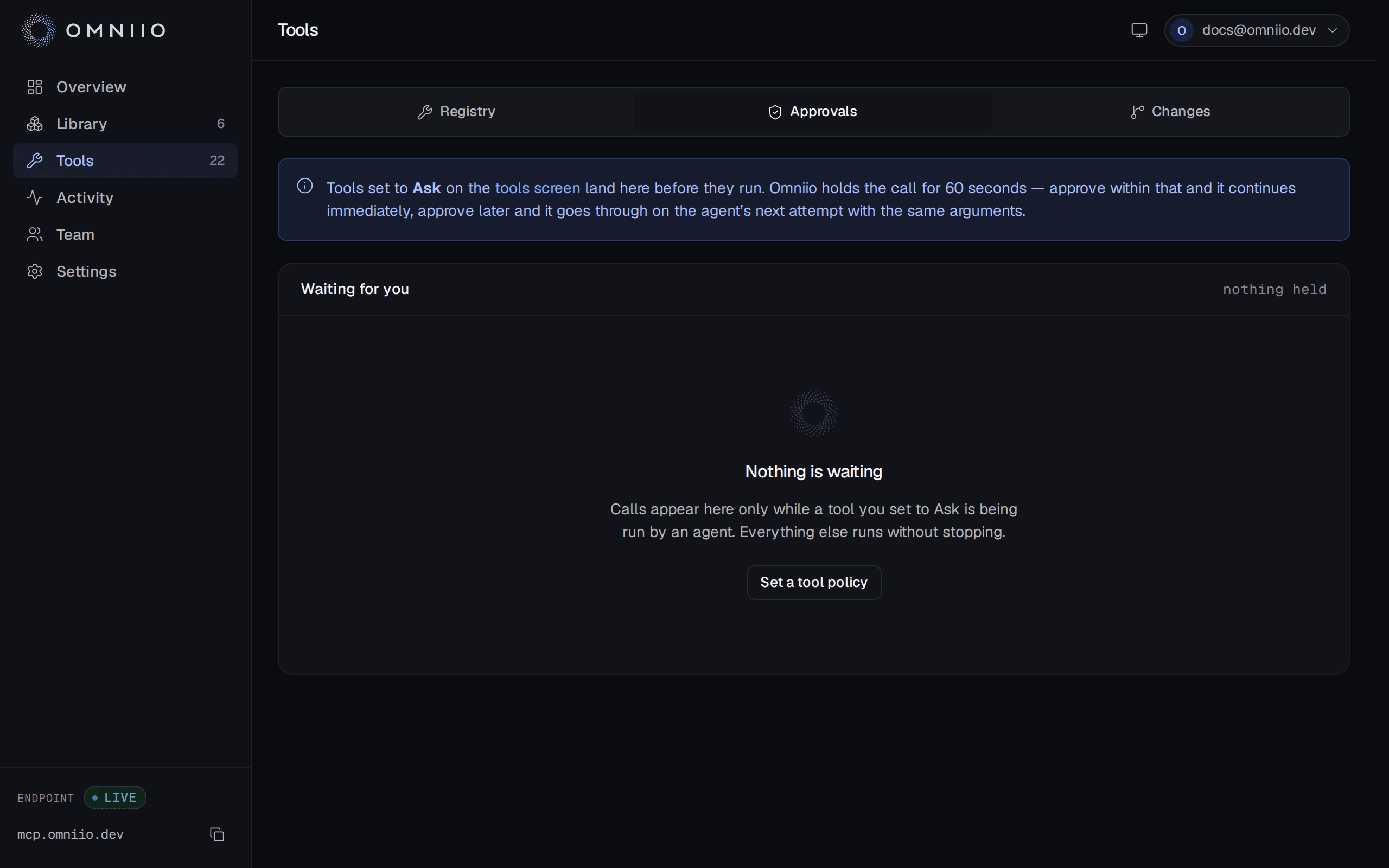
Argument values are redacted before they are displayed or put into a notification, and very large payloads are capped. That display copy is not what the decision is matched against: Omniio hashes the complete, original arguments in canonical JSON before redaction.
What the caller receives#
The path depends on what the MCP client supports.
- Clients with URL elicitation
- Omniio immediately returns an input-required response with the approval URL. The client can open it for you instead of holding its connection.
- Other MCP clients
- Omniio holds the call for up to 60 seconds. Approve during that window and the same call continues without a retry.
- After 60 seconds
- The caller gets a pending response, but the request remains approvable. Approve it and the agent's next retry with exactly the same arguments runs immediately.
The approval itself expires 15 minutes after the first request. An untouched request then becomes Expired and the next attempt asks again. A denial ends the call and writes the refusal to Activity as a failed execution.
One decision, one call#
Approved requests are single-use. The first matching retry atomically consumes the decision; a second concurrent call with the same arguments cannot spend it again. If an agent genuinely needs to perform the same operation twice, the second call asks twice.
That is deliberately narrower than remembering an answer for a tool. Use an Allowed policy when a tool may run without supervision; use an approval for one concrete operation you have just inspected.
Where approval requests come from#
There are two ways a call can be held:
- you set the tool or its whole server to Ask first;
- the tool was Allowed, but its upstream definition changed materially and has not been reviewed yet.
The decision mechanics are the same in both cases. Approving a call caused by a tool change permits that one call; it does not acknowledge the change or restore the standing allow rule. Review the definition on Tool changes to do that.
Next: Policy and scopes.