Connecting servers
Adding a server from the library, the credential it needs, and what to do when a connection refuses.
The library is the list of servers your agent can reach. Two kinds live in it: the curated catalogue, which Omniio maintains, and servers you add yourself.
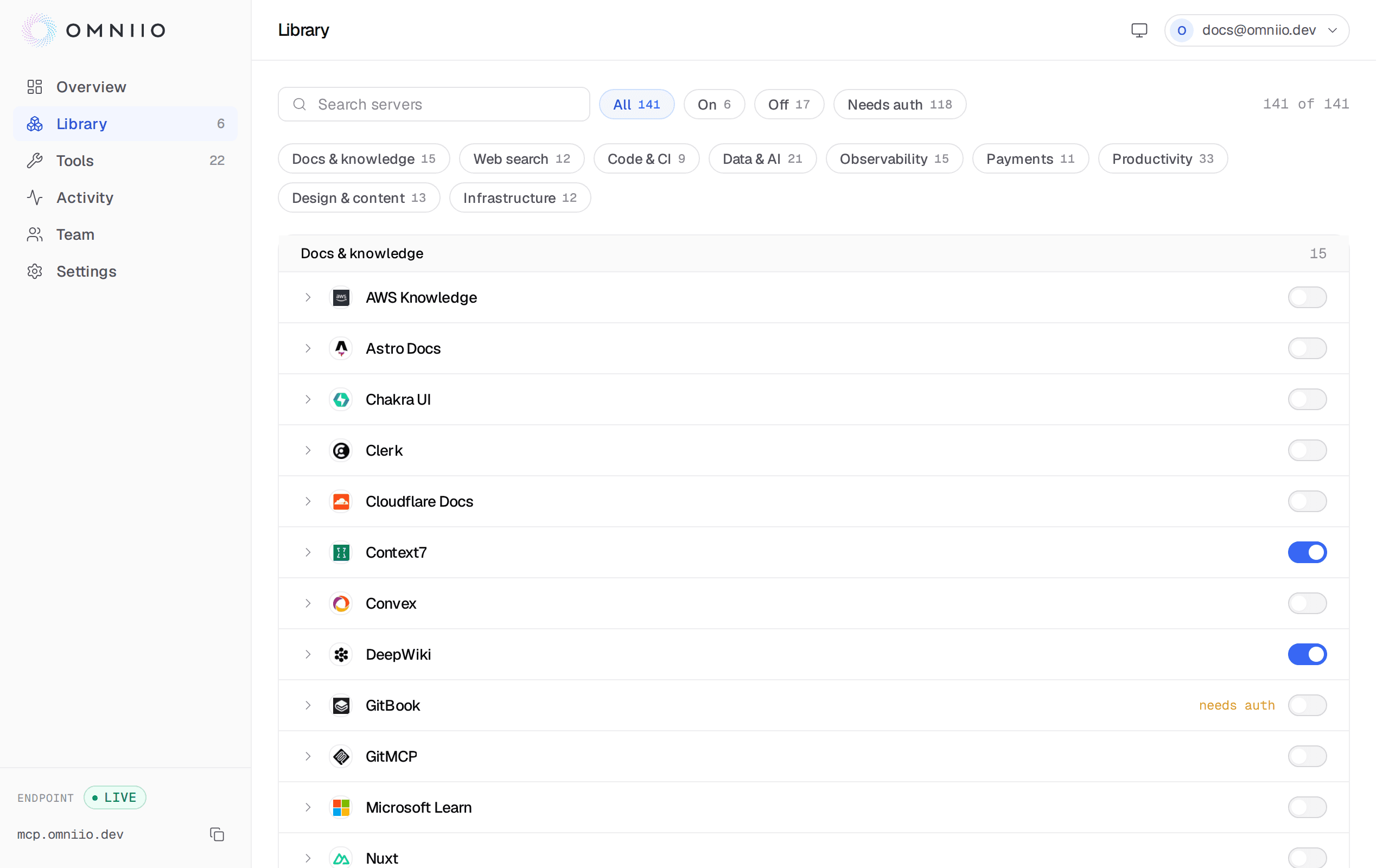
Turning a catalogue server on#
Flick the switch. That is the whole action for a server that needs no account.
Your agent picks the change up on its next message. There is no client restart
and no config change, because the endpoint's tool list never changed — only what
search_tools looks through.
Turning a server off is the same switch. Tools from a disabled server stop
appearing in search immediately and run_tool refuses them with "Tool … is not
enabled".
Servers that need an account#
A server that reaches your data needs your credentials, and there are two shapes of that.
- OAuth
- The server runs its own authorization flow. Clicking Authorize opens it in a new tab; you sign in to them, and Omniio stores the grant it gets back, encrypted, and refreshes it when it expires.
- Bearer token
- The server wants an API token you already hold. You paste it once and it is sealed with AES-256-GCM before it is stored; nothing shows it again afterwards.
- None
- Public documentation, search and reference servers. On the moment you flick the switch, with no credential involved at all.
Authorization covers what is stored, how it is refreshed and how to take it back.
Browsing before you connect#
Every catalogue server has a public page listing the tools it advertises, so you can read what a server can do before you give it anything.
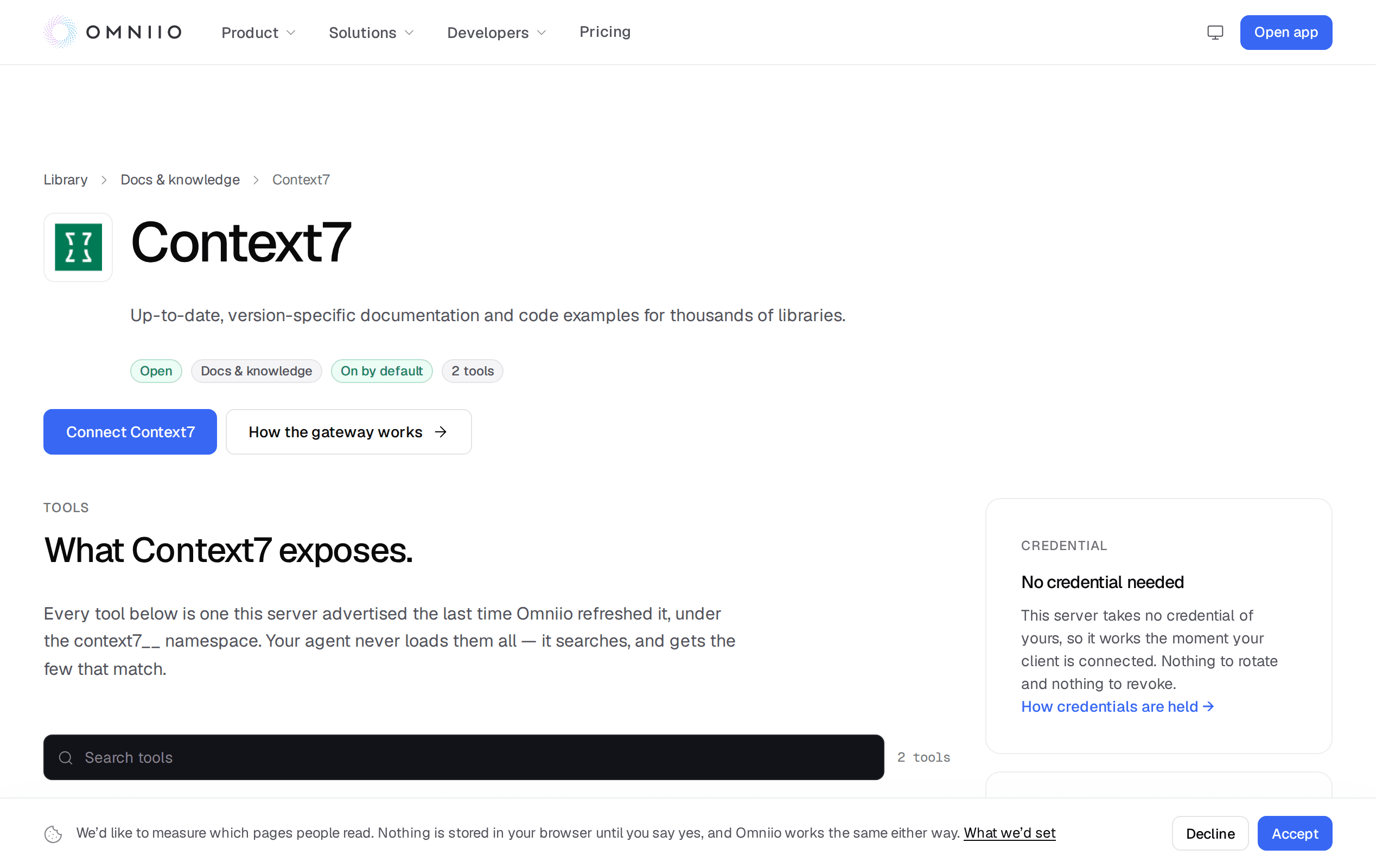
The whole catalogue is browsable at omniio.dev/library without an account.
Adding your own server#
Add a server in the library takes any MCP server reachable over HTTPS — one you host, one your company runs internally but exposes publicly, or one you subscribe to that is not in the catalogue.
- Endpoint
- An HTTPS URL. Plain HTTP, loopback, private and link-local addresses are refused — Omniio makes this request from its own servers, and an unchecked URL would turn the form into a way to probe whatever they can reach.
- Name and category
- What it is called in your library and which group it sits in. The slug is minted from the name with random characters appended, so adding a server called Notion does not take that name from anyone.
- Authentication
- None, a bearer token you paste, or OAuth. The same three shapes as a catalogue server.
The form probes the endpoint before it creates anything. For a server with no
auth or a token, a successful tools/list is the passing result and its tool
count is what the library shows a moment later. For an OAuth server, a refusal
to answer without credentials is the passing result — that is what proves an MCP
server is really there and that it wants the flow you said it wants.
Duplicates are refused: the same endpoint twice would be two rows aggregating one server with every tool listed under both. If the endpoint is already in the curated catalogue, the form says so and points you at the switch, because the curated row is the maintained one.
When a server breaks#
An upstream server that stops answering is marked with its last error in the library, and the tools it advertised stay in the catalogue until they have been missing for thirty days. That is deliberate: a server down for an afternoon should not empty your agent's toolbox and refill it later.
Calls to a broken server fail with the upstream's own message where there is one, and every failure is in Activity with the arguments that were sent.
Next: Authorization.